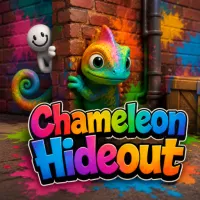
Chameleon Hideout








In Chameleon Hideout, blend your chameleon into the environment and fool the predator until the timer runs out. Jump in now and put your camouflage skills to the test!
Chameleon Hideout: Stay Hidden in a Dangerous World
Scout Your Hiding Spot First
As a hider, take the time to explore the room before the predator appears. Find a spot where the shape and color match your character to gain an early advantage.
Match Colors To Enhance Camouflage
Open the Color Studio to customize your chameleon's color. Use the brush, fill tool, or eyedropper to sample colors directly from the surrounding environment.
Become The Hunter And Track Down Players
In some rounds, you will play as the Hunter. Scan the room, look for objects with unusual colors or placements, and eliminate the disguised players before time runs out.
Key Features
- 3D hide-and-seek with camouflage mechanics
- Character color customization via Color Studio
- Intuitive color-matching tools
- Rotating Hider and Hunter roles
- Time-based survival gameplay
Controls
- WASD/Arrow Keys: Move
- Space: Jump
- T: Open Color Studio
- Mouse: Rotate and control camera view
FAQs
What is the Color Studio?
The Color Studio allows you to adjust your chameleon's color using various tools.
What should I look for as the Hunter?
Look for details that don't fit the scene or any suspicious movements.